Confidence
 Simplicity
 Security
 Control
 Convenience
Setting Up Bill Pay
- Log into Openland Digital Banking.
- In the main menu, click My Bill Pay.
- On the next screen, select the account you wish to set up Bill Pay for, and click Continue.
- In the Get Started with Free Bill Pay section, review the terms and conditions and then click Accept & Submit.
- In the Welcome to your bill pay pop-up, click Continue.
- On the Add a Payee page, select whether you wish to pay a company, pay a person or pay a bank or credit union. Click Next.
- Simply enter the information for the type of payee you wish to pay and follow the steps for set up.
- Return to your My Bill Pay dashboard, where your payee will now be listed. Here you can make a payment right away or schedule one for the future.
- To make a payment, select the account you want to pay from, enter the amount you wish to pay and select the payment date. Click Submit.
Want to pay from a non-Openland account?
More of what matters.
When you become an Openland Credit Union member, you become part of everything we do to impact our communities.
We can't wait to show you what's possible.
Let's Hear From #happyOpenlandCUmembers!
Randall's story
They have it figured out all the way around. What a great Credit Union that also gives back to the community.
Randall – Member
Skip The Line!
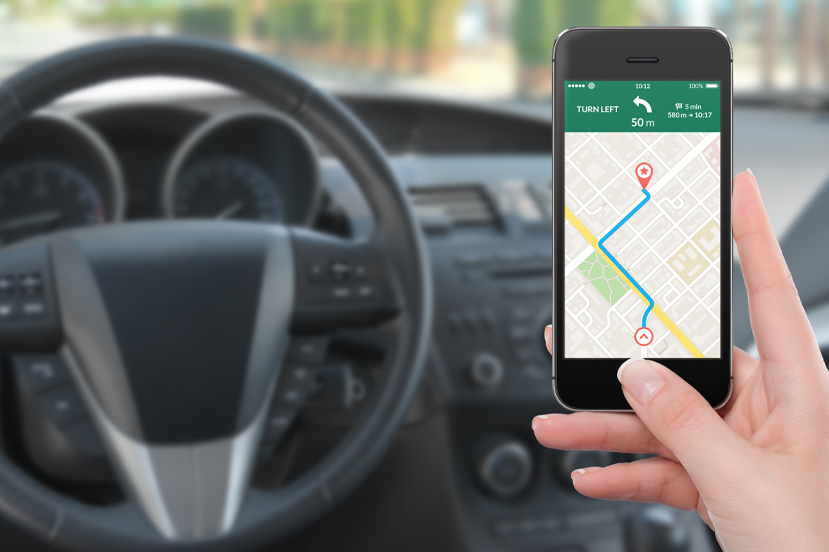
Mobile Access to your Accounts Anytime, Anywhere!
The Openland Credit Union Mobile app allows you to view your transaction history and account balances, pay bills, make transfers and locate our nearest ATMs and branches!